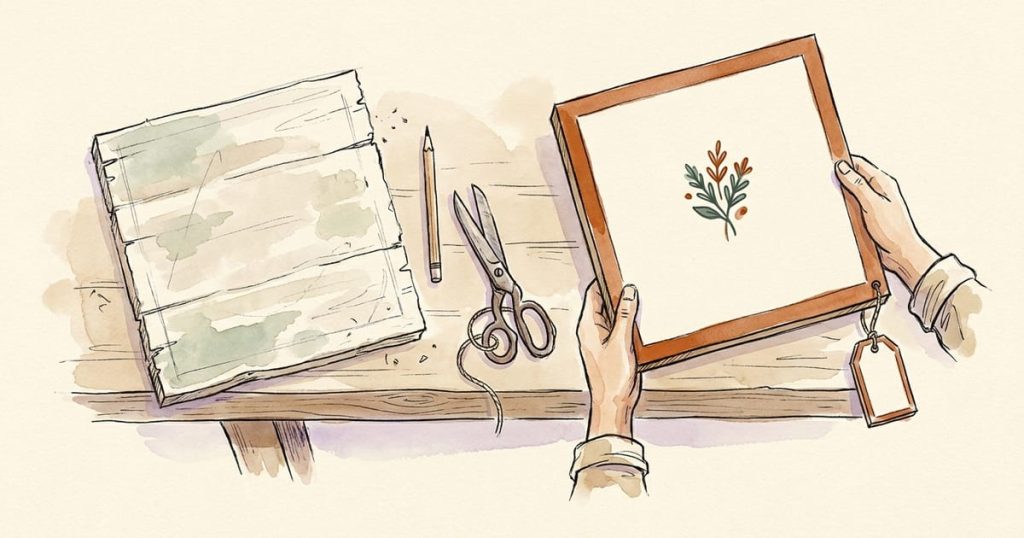
If you're short on time, AI is genuinely useful for one specific job: getting you from a blank page to a good-enough first draft, fast. It's best at backgrounds, seasonal graphics, sign concepts, and a first pass at your ad copy. It's the wrong tool for one specific job too: a photo standing in for your actual product. Keep those two straight and AI can save you real hours without costing you anything in trust.
Here's the workflow, start to finish, for someone who has twenty minutes between the school pickup and dinner.
What AI is actually good for
- Backgrounds and seasonal art. A watercolor autumn scene behind your "Fall Pumpkins" sign, a spring-flower border for a May market flyer. Nobody is buying a background; it's decoration, and AI is fast and cheap at decoration.
- Sign and layout concepts. Ask for five or ten directions for a farm stand sign, in different styles (rustic, bold, chalkboard, cottagecore), and you'll see a range in minutes instead of picking one look cold. Then hand-pick your favorite and refine it, or hand it off to a designer or Canva to finish.
- A first draft of ad copy. A Facebook post announcing this weekend's market, three headline options for a flyer, a caption for a product photo. You'll almost always rewrite it in your own voice, but starting from a draft beats starting from nothing.
- Icons and simple graphics. A little chicken icon, a jar illustration, a hand-drawn-style border. Small decorative elements that make a plain flyer look finished.
What AI is the wrong tool for
A photo of the specific thing you're selling. If a customer is going to see a picture and expect that exact item, the picture needs to be a real photo of a real item. An AI-generated image of "cinnamon rolls" standing in for your actual cinnamon rolls sets an expectation you then have to meet in person, and if what shows up doesn't match what they saw online, that's a trust problem you made for yourself. Save your phone camera for this part. Natural light near a window and a plain background will beat almost any AI image for a real product shot anyway.
A simple workflow, start to finish
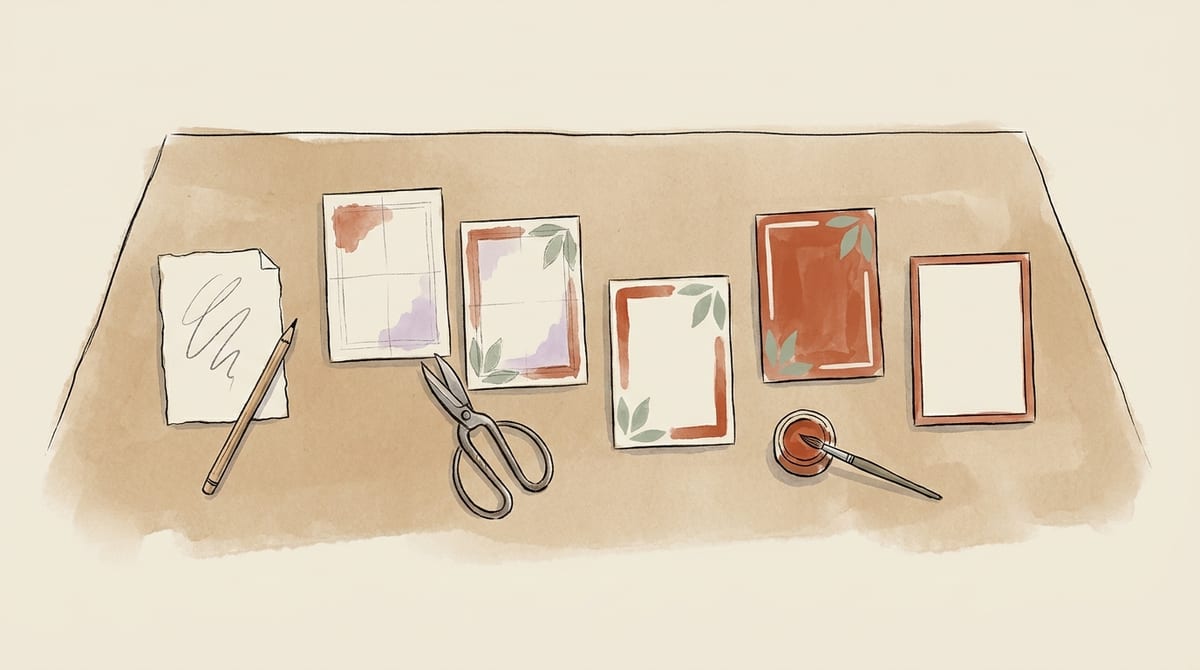
1. Decide what you actually need. A sign? A social post? A flyer for the market table? Get specific before you open any tool. "Something for marketing" takes forever. "A 24×18 farm stand sign that says OPEN and points to the driveway" takes ten minutes.
2. Write a plain-English prompt. You don't need special phrasing. Describe what you want the way you'd describe it to a friend: what it says, the mood (rustic, modern, playful), the colors if you have brand colors, and the size or shape if it matters. If you want text on the image (like a sign), say the exact words you want and keep it short. Long text on AI-generated images is where most tools still struggle.
3. Generate a few options, not just one. Ask for a small batch (three to five) rather than accepting the first result. You're looking for a direction more than a finished piece on the first try.
4. Pick, don't settle. If nothing in the batch feels right, change one thing in your prompt (the mood, the colors, the layout) and try again rather than forcing a design you don't like into use.
5. Finish it like a human would. This is the step busy sellers skip and shouldn't. Drop your favorite into Canva (free) or a photo editor and adjust the crop, add your actual logo, fix a color that's slightly off, or swap in your own hours and phone number. A finishing pass is what makes an AI-assisted graphic look intentional instead of obviously templated.
6. Say so, if it feels right for your brand. You don't have to disclose that a background or a sign concept was AI-assisted, but plenty of sellers find that a short, honest note ("made with a little AI help so I have more time at the stand") lands fine with their customers. It's your call, same as everything else in this series.
Start Traders Till for free.
Cost your products, print compliant labels, and track every sale. Free forever plan, no card required.
A worked example: farm stand signs
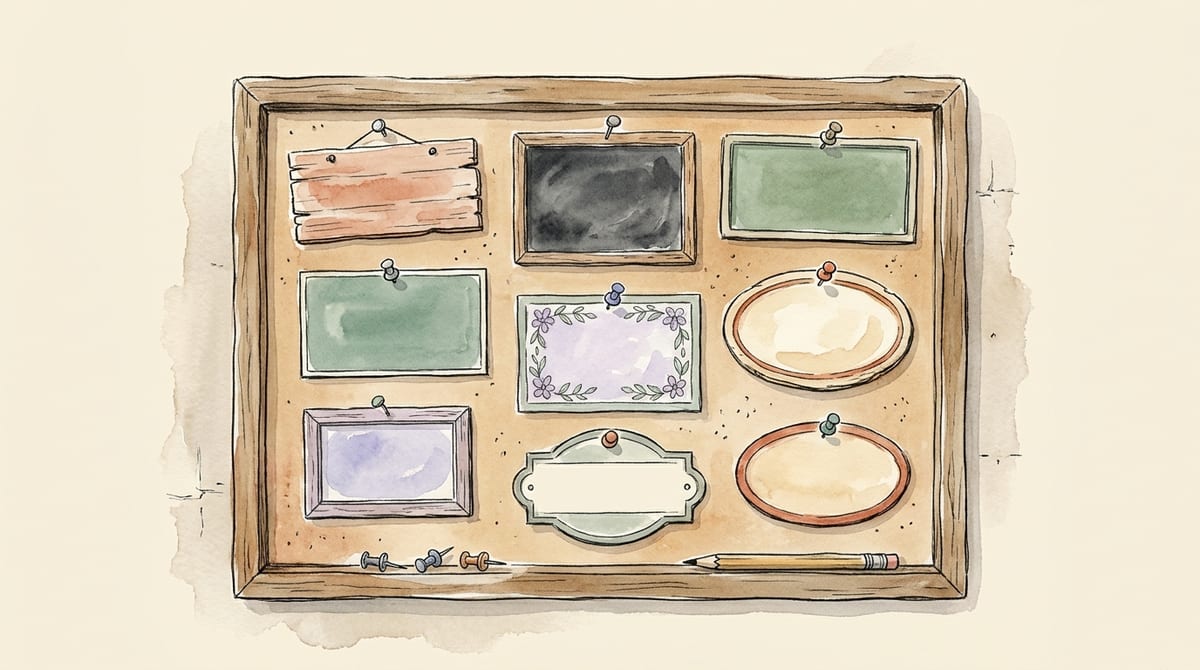
We put this into practice on our own farm stand yard-sign templates: ten sign concepts, run through an AI image tool with a plain description for each ("a rustic wood-plank sign that says COUNTRY FARM STAND, homegrown goodness, hand-carved letters"), reviewed for legibility and accuracy, and packaged as a free printable set.
No product photography involved at all; these are decorative, on-brand signs, not a stand-in for anyone's actual eggs or produce. See the full guide, including what makes a roadside sign actually work from a moving car, in our farm stand sign ideas post.
If you'd rather skip AI entirely
Nothing here requires you to use AI. The exact same signs, flyers, and posts can be built from scratch in Canva with free templates and your own photos, no AI step anywhere in the process. That's the other half of this series: How to Make Ads and Signs in Canva With No AI at All →
Bottom line
Use AI for backgrounds, concepts, and first drafts. Use your own camera for your actual product. Finish everything with a real human pass before it goes out. Done well, this is twenty minutes that used to be an evening, and evenings are worth protecting.
Still deciding whether AI belongs in your marketing at all? That's a fair question, and there's no single right answer to it. Some sellers want the hours back; some would rather build every sign by hand and have that be part of what they're selling. Both are legitimate ways to run a home food or craft business. That is the question the anchor piece of this series takes on: AI or Canva for your marketing, it’s your call →
Good graphics get people to stop. What happens after the sale is the other half: Traders Till tracks every batch, cost and sale, so you know which products are worth making more of.
Summarize & Save This Guide On
Add Traders Till As A Preferred Source on Google Prompt copiedApril Lee has a B.S. in Agriculture from Cal Poly Pomona, is a certified food handler (ANAB-accredited, Learn2Serve), and holds ANAB-accredited food allergy training. She writes about selling homemade and homegrown products - cottage food rules, pricing, and the business side of farm stands - and is the co-founder of Traders Till, an app that helps home producers track what they make, sell, and earn.
Start Traders Till for free.
Cost your products, print compliant labels, and track every sale. Free forever plan, no card required.
 Save to Pinterest